Common Controls Framework
I really nerded out when I was first getting my hands dirty in GRC. Back then, I kept getting assigned to assessment after assessment across so many different frameworks. When I first learned about the concept of a Common Controls Framework (CCF), my brain practically melted. You’re kidding me, right‽
It sounds complicated on the surface, but the core concept isn’t that hard to grasp. Making one, though? That’s a different story. It takes real effort. While there are plenty of shiny GRC tools out there today that can automate this, a lot of teams either don’t have the budget for them or lack the dedicated staff to set them up.
What is a Common Controls Framework?
Depending on your industry, your company might have to abide by a massive stack of regulations just to do business. Take insurance, for example: you might be juggling NIST SP 800-53, ISO 27001, state Department of Insurance requirements, the Model Audit Rule, and PCI DSS. That means performing that many distinct assessments every single year.
Some genius back in the day (not me) looked at that mess and asked two simple questions:
“What if we compared all our compliance requirements side-by-side and created a single baseline document listing every control we actually have to implement‽”
“And what if we highlighted where those controls overlap, so one set of evidence could satisfy multiple audits at once‽”
That is the foundation of a Common Controls Framework. Some folks call it “harmonizing controls”. Here is how you can build one yourself using the free Secure Controls Framework (SCF).
Step 1: Grab the Master Workbook
Head over to securecontrolsframework.com/free-content/scf-download, fill out the access form (or use their direct repository link), and download the master Excel sheet. This workbook is a massive control catalog with domain structures and pre-mapped framework columns.
Step 2: Filter Your Frameworks
Open the workbook and click on the red SCF [Year.Version] tab along the bottom (for example, SCF 2026.2). This tab contains the master matrix.
To keep things clean, I like to hide the columns for frameworks I don’t care about right now. I also create a fresh column header called Selections right next to the control data.
Here is how to isolate your controls (we’ll only use NIST SP 800-53 Rev 5 and ISO 27001 as our example):
- Find the ISO 27001 column. Click the filter dropdown and uncheck (Blanks).
- In your new Selections column, put an “X” next to every row that remains.
- Clear the ISO filter.
- Go to the NIST SP 800-53 Rev 5 column, uncheck (Blanks), and put an “X” in your Selections column for those rows too.
- Clear all framework filters, go to your Selections column, and uncheck (Blanks).
Boom. Every row remaining on your screen is your brand-new, combined Common Controls Framework for ISO and NIST.
Step 3: Identify Your Requirements
Scroll over to Column D (Secure Controls Framework Control Description). That text is your operational requirement – the exact standard your environment needs to hit.
Step 4: Harmonize and Operationalize
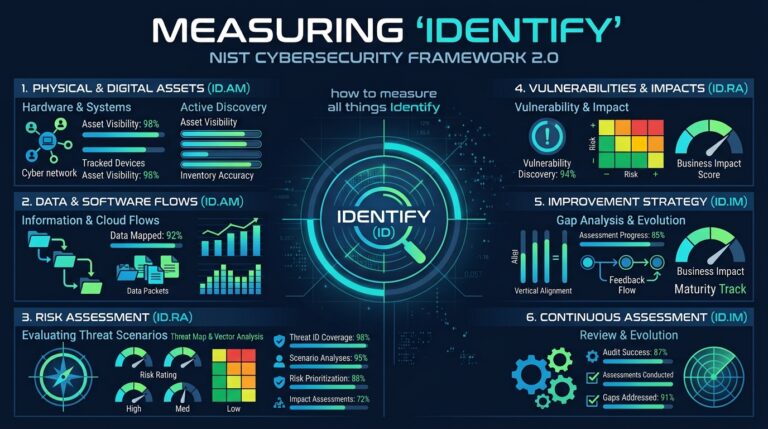
Now it’s time to map your internal policies to this baseline. Pro tip: Use the NIST CSF Function Grouping (Column O) to help organize where each control should live in your policy stack (such as Identify, Protect, or Detect).
- Establish your baseline: Treat this filtered SCF list as your team’s single source of truth.
- Tag your docs to SCF IDs: Stop writing separate policy documents for NIST and ISO. Instead, map your internal policies, standards, and SOPs directly to the primary SCF Control ID (Column C).
- Audit once, satisfy both: Because the SCF maps everything behind the scenes, knocking out one SCF control covers your NIST and ISO requirements simultaneously. It’s the ultimate “build once, comply many” shortcut – no double work, no chasing duplicate evidence.